
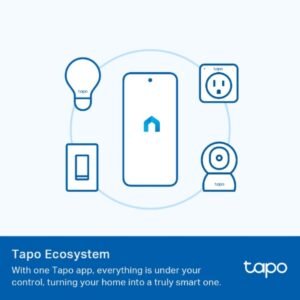





Tapo App Support
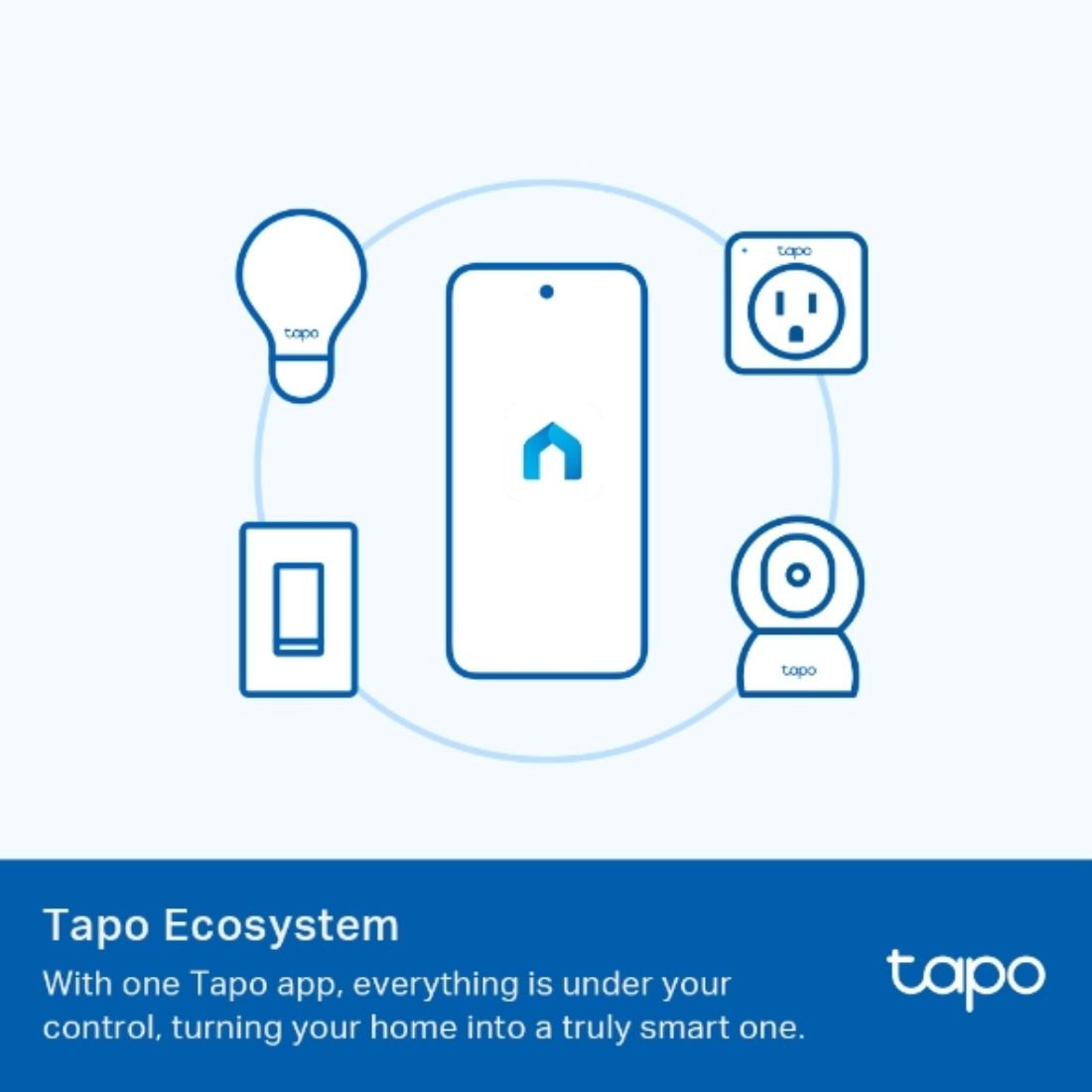
Easy Setup at Your Fingers
- 1 Download the free app
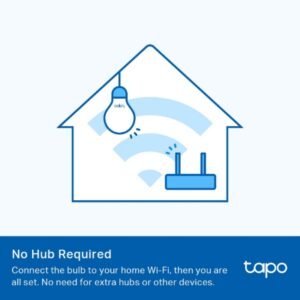
- 2 Plug in and connect
- 3 Control from anywhere



* Compatible with iOS 9.0 or higher and Android 4.3 or higher
Walk You Through Setup Step by Step


1- Download and open 2- Tap Plus (+) to add your 3- Look for your device 4- Name the device and
Tapo App smart device and connect choose the room it’s in

5- Congratulations! You’ve now
completed the configuration
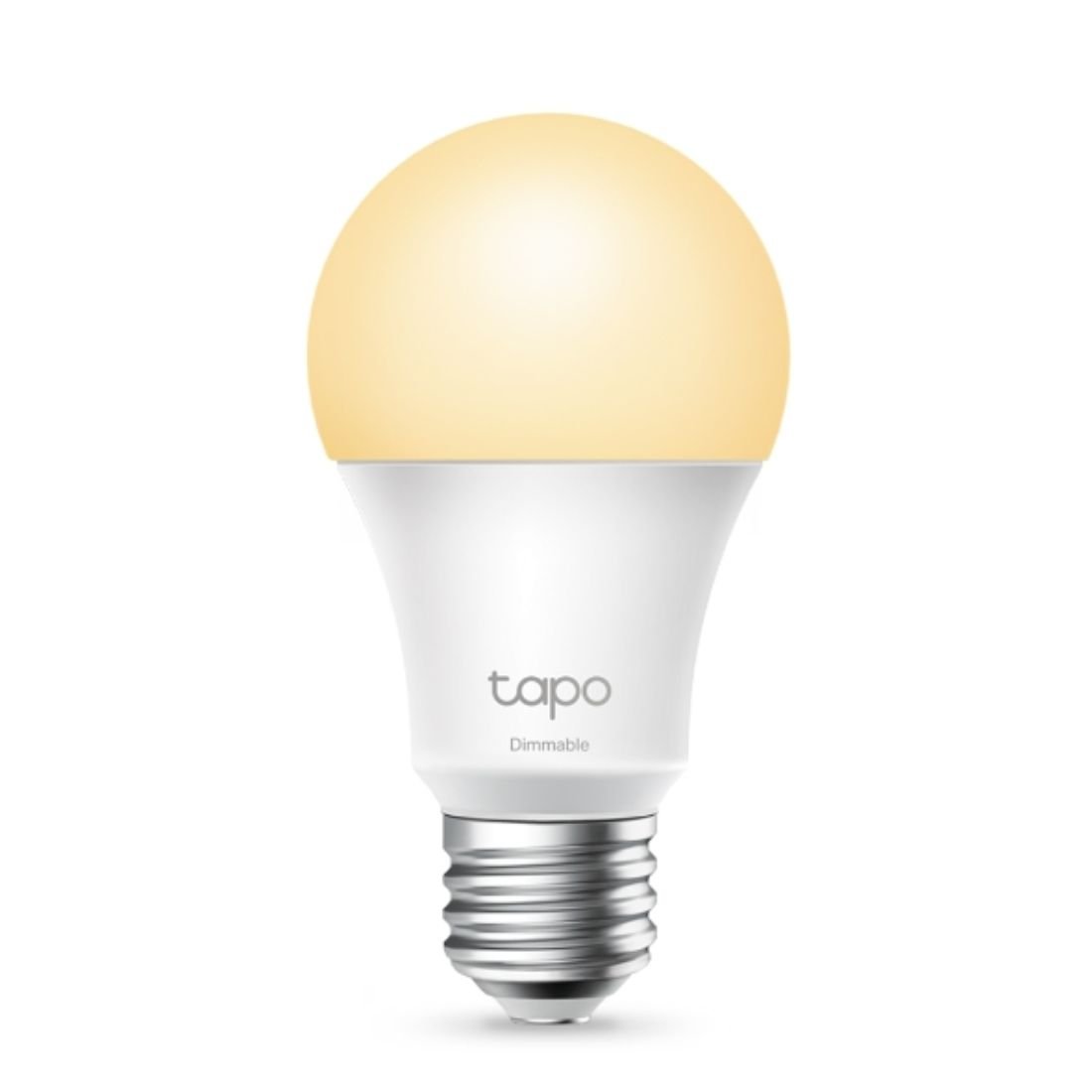
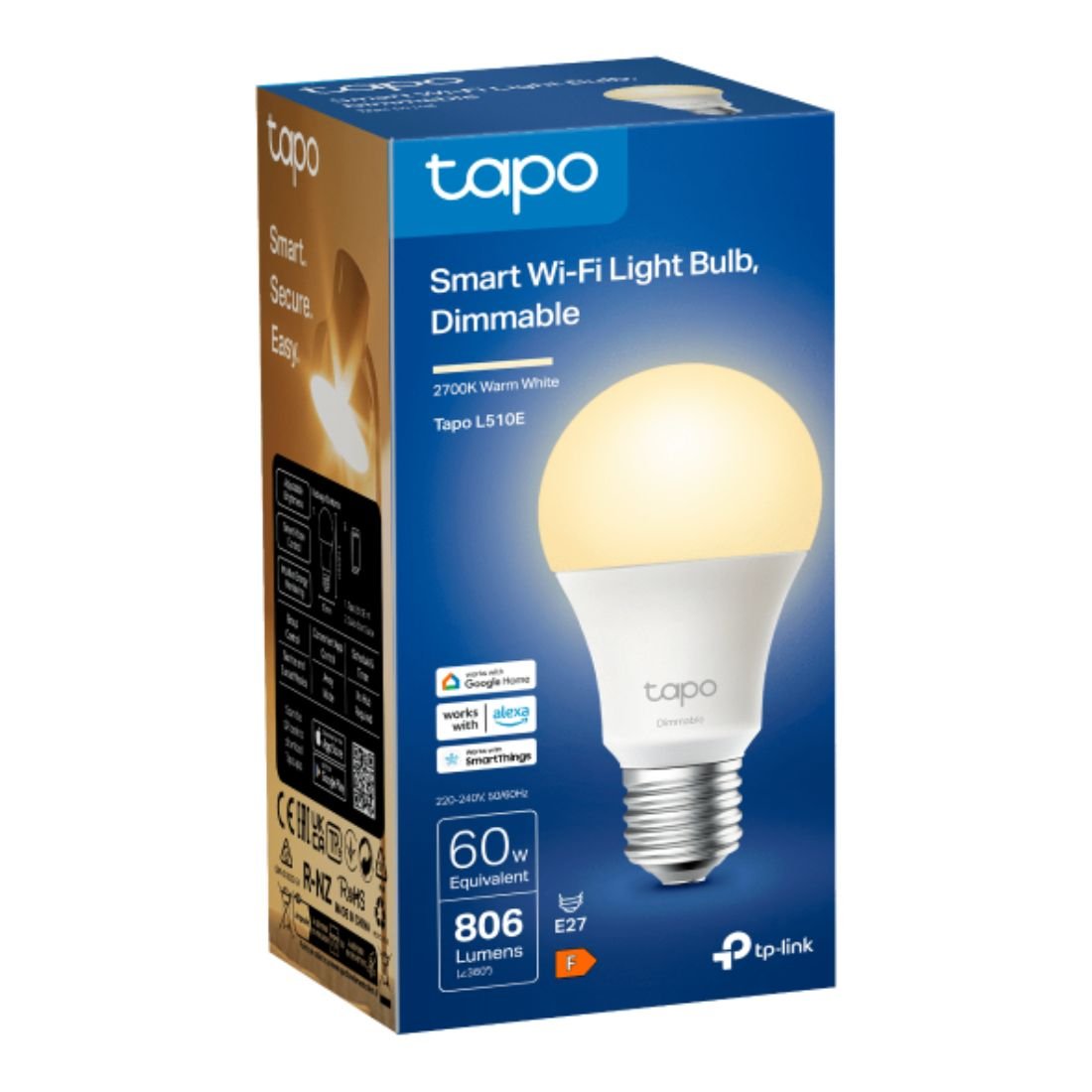
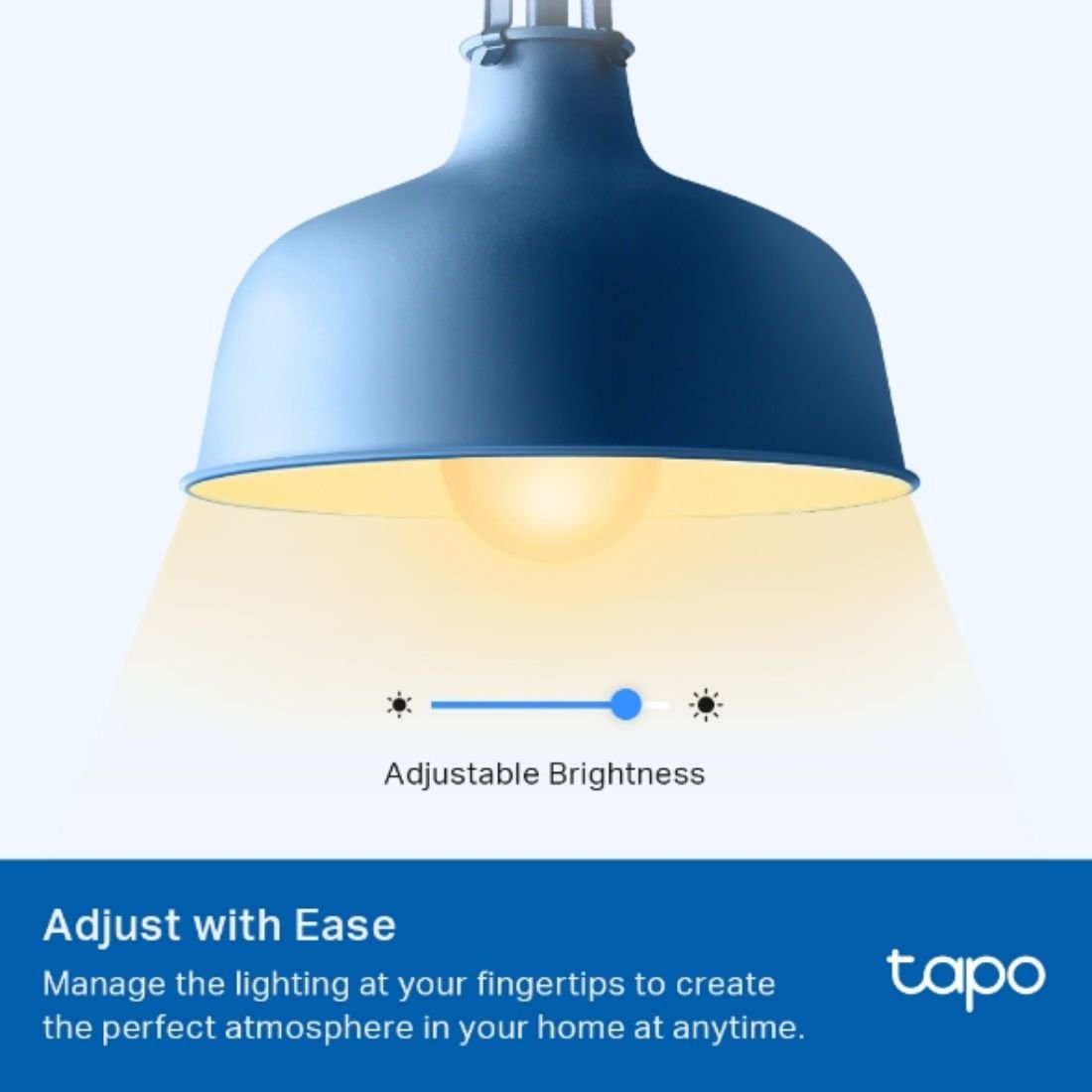
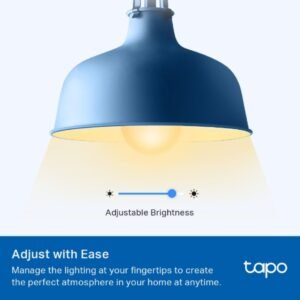
- Dimmable (Adjust with Ease) – Manage the lighting at your fingertips to create the perfect atmosphere in your home anytime.
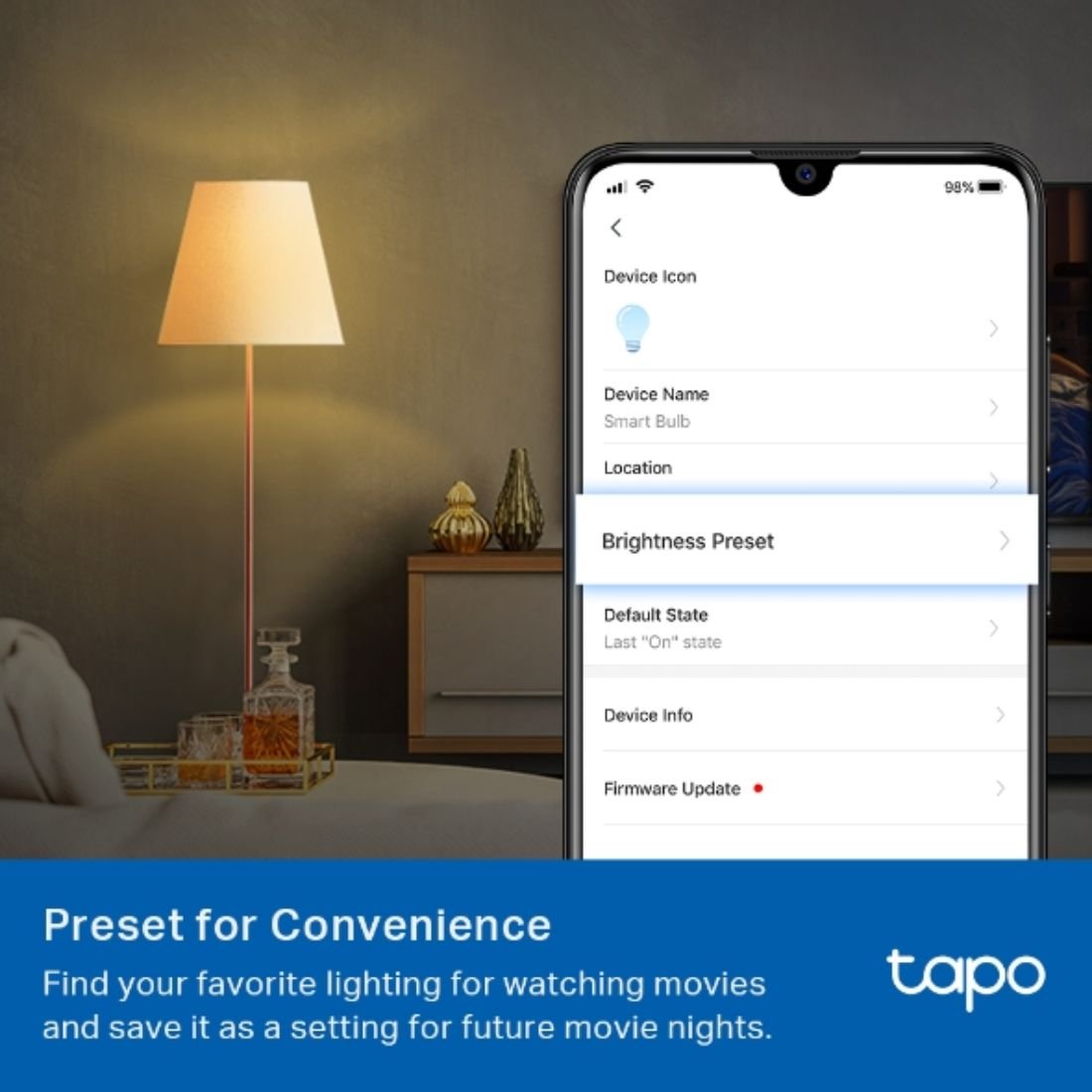
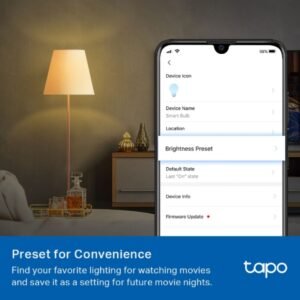
- Dimmable (Preset for Convenience) – Found your favorite lighting for watching movies? Save it as a setting you can simply select for future movie nights.
- Schedule (Set Your Times) – Create a regular schedule to turn on/off with the brightness you set
- Schedule (Sunrise and Sunset Modes) – Automatically activate your light according to your time zone
- Voice Control – Manage the lights with your voice commands as Tapo works with Amazon Alexa and Google Assistant
- Remote Control – Take your phone out of your pocket and open the Tapo app to control your light remotely
- Away Mode – Automatically simulate someone being at home to frighten away unwanted visitors.
Specifications
Related products
10%
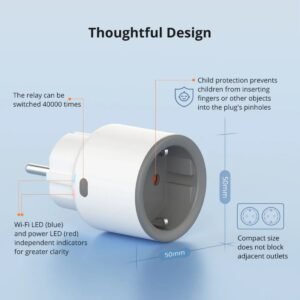
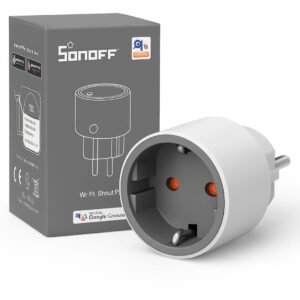
SONOFF iPlug Wi-Fi Smart Plug | S60 Series
Original price was: EGP750.EGP675Current price is: EGP675. 10%
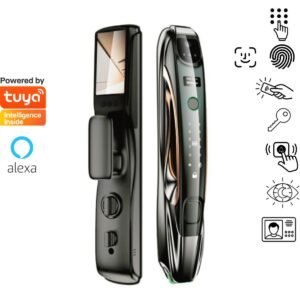
Lezn i11 – Face ID – Active Video intercom
Original price was: EGP21,500.EGP19,350Current price is: EGP19,350. 15%
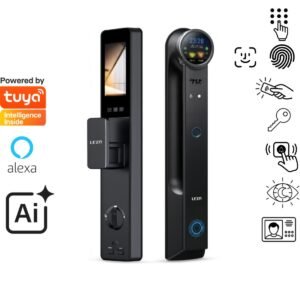
Lezn R16 Ai Face ID – Active Video Intercom
Original price was: EGP39,800.EGP33,830Current price is: EGP33,830.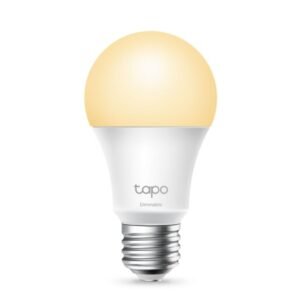 Tapo L510E – Smart Wi-Fi...
EGP850
4 in stock
You may add any content here from XStore Control Panel->Sales booster->Request a quote->Ask a question notification
At sem a enim eu vulputate nullam convallis Iaculis vitae odio faucibus adipiscing urna.